Add questions for anything you want to study.
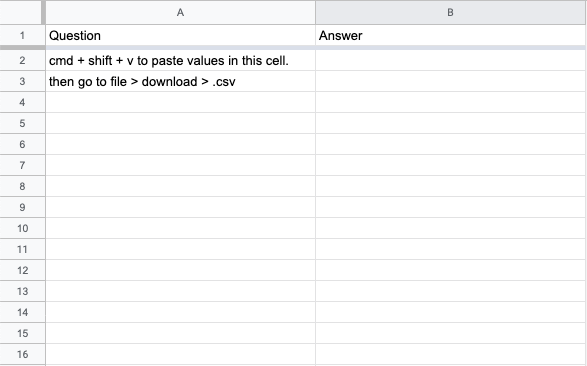
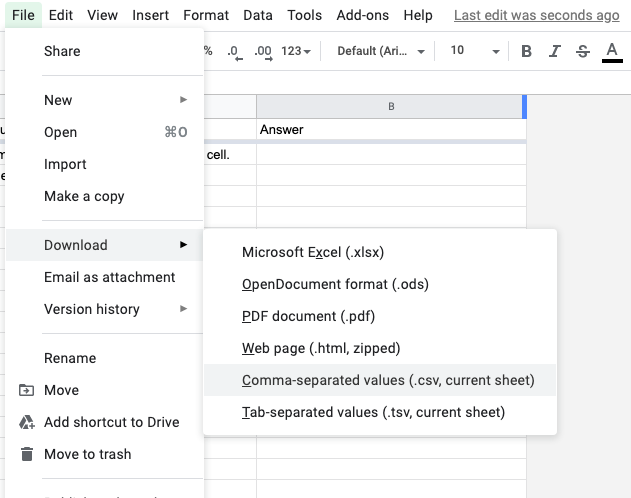
In settings, pick Add your own deck. Paste your cards straight in, one per line with the question, then a tab or comma, then the answer. Or build them in a spreadsheet:
Populate the spreadsheet template you can find here.
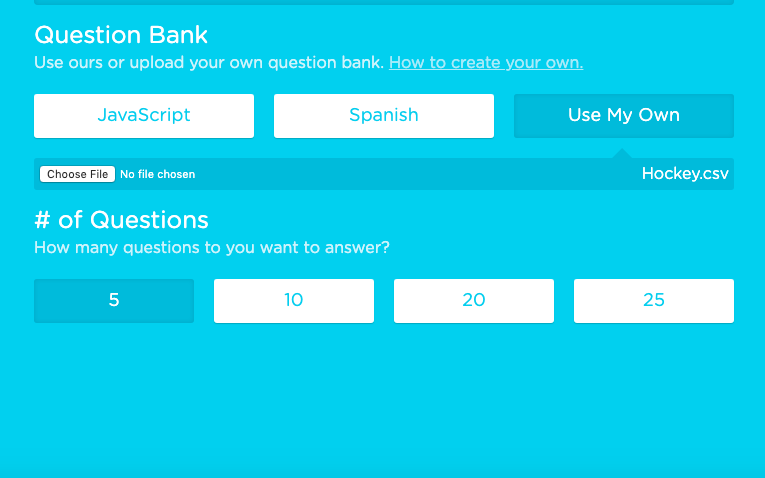
Upload the .csv in settings under Add your own deck.
Need Questions?
Bring them over from the flashcard apps you already use.
From Quizlet
- Open a set you made on quizlet.com. Quizlet only lets you export sets you created yourself.
- Click the three dots, then Export, and copy the text.
- Paste it into Add your own deck.
From Anki
- In Anki, choose File, then Export, then Notes in Plain Text.
- Open the file, copy everything, and paste it into Add your own deck. Or upload the file directly.
- Cloze cards are skipped, since there's nothing to pick from.
Feedback?
 Add to Chrome